

Project API tokens
Project API tokens authenticate the Sending API and SMTP relay. They start with lm_ and are scoped to one project.
Project API tokens are different from Team API tokens. Project API tokens send email for one project with x-lettermint-token or SMTP authentication. Team API tokens start with lm_team_ and manage resources through Authorization: Bearer.
Each project can have multiple Project API tokens. Create separate tokens for production, staging, CI, and each integration so you can rotate or revoke one token without interrupting everything else.
Create a token
- Open the Lettermint dashboard.
- Go to Projects and select your project.
- Open API Tokens.
- Click Create token.
- Enter a descriptive name, such as
Production API,Staging worker, orMagento store. - Copy the token immediately and store it as
LETTERMINT_PROJECT_TOKEN.
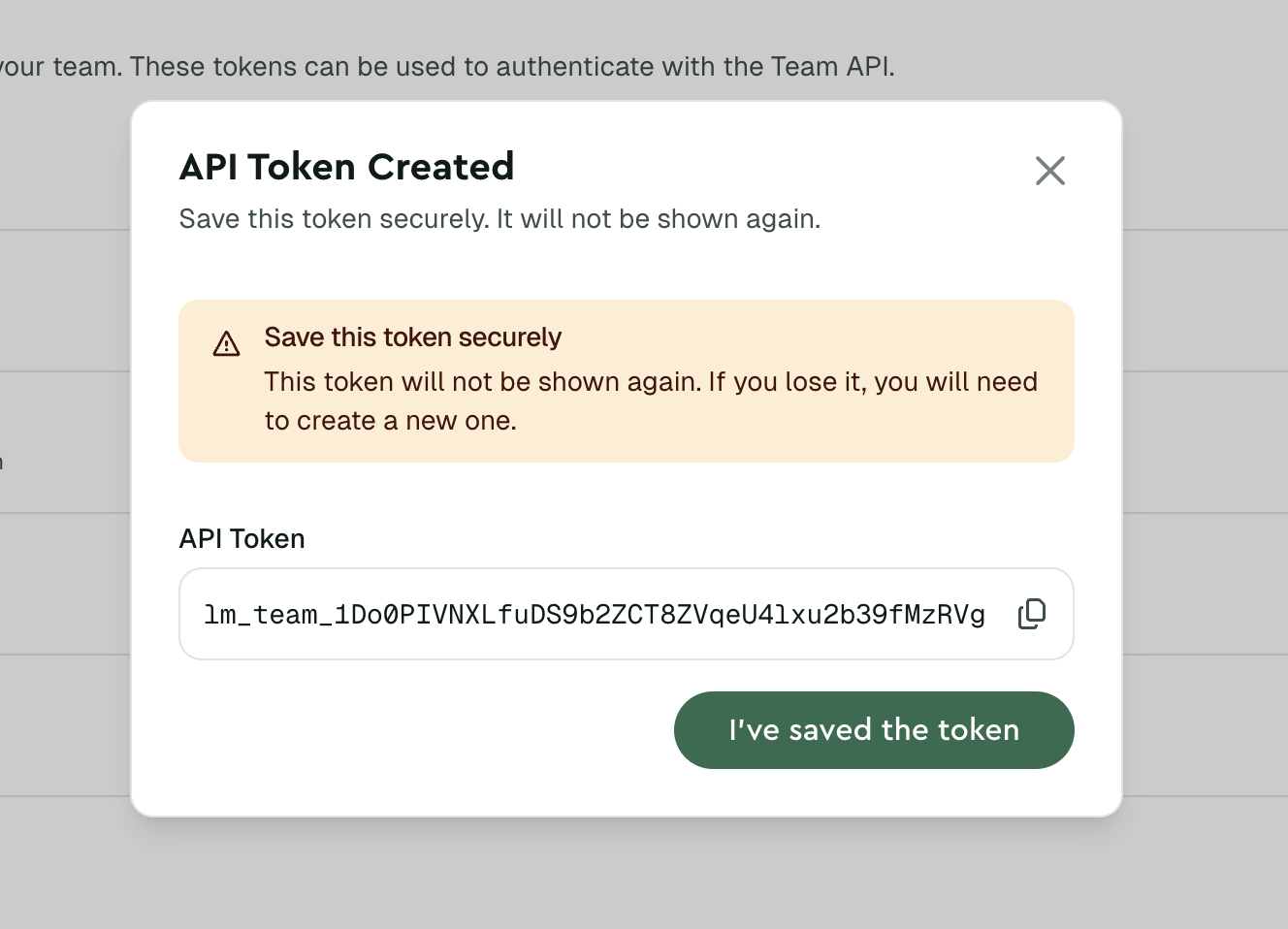
The full token is shown only once. If you lose it, regenerate that token or create a new one.
Manage tokens
The token list shows each token's name, restriction, when it was last changed, when it was last used, and the last IP address that used it.
Use the token actions menu to regenerate, revoke, or inspect token logs.
Restrict a token by IP address
Use an IP allowlist when an integration sends from stable outbound IP addresses. Open the token actions menu, choose Edit, and add entries under Allowed IP addresses and CIDR ranges.
You can add IPv4 addresses, IPv6 addresses, and CIDR ranges:
203.0.113.10203.0.113.0/242001:db8::/32
Leave the list empty for No restriction. A token with no restriction can be used from any IP address.
IP allowlists apply to both Sending API requests and SMTP authentication. Requests from outside the allowlist fail with an authentication error and appear in the token logs.
Regenerate or revoke
- Regenerate a token if it may be exposed. The old token stops working immediately.
- Revoke tokens that are no longer used.
- Create a new token before rotating production traffic when you need a zero-downtime credential change.
See Handle API tokens securely for planned rotation and exposed-token response steps.
Best practices
- Use one token per integration or environment.
- Store tokens in a secrets manager or environment variable.
- Never commit tokens to source control or expose them in client-side code.
- Add an IP allowlist for integrations that send from stable outbound IP addresses.
- Name tokens by owner and purpose, such as
billing-service production. - Review last-used metadata regularly and remove inactive tokens.
Use a project API token
Use the token from a server-side application. A successful send returns a message ID.
Next steps
- Quickstart - Send your first email
- SMTP guide - Use the same token with SMTP
- Handle API tokens securely - Store, rotate, and revoke credentials
- Team API tokens - Manage team-level API access