

Quickstart
Follow this guide to create a Project API token and send your first email through the Lettermint Sending API.
Prerequisites
Before you start, ensure you have:
- A Lettermint account (sign up here if needed)
- A Project API token from the Lettermint dashboard
Step 1: create a project API token
- Log into your Lettermint dashboard.
- Navigate to Projects → [Your Project] → API Tokens.
- Click Create token.
- Give the token a descriptive name, such as
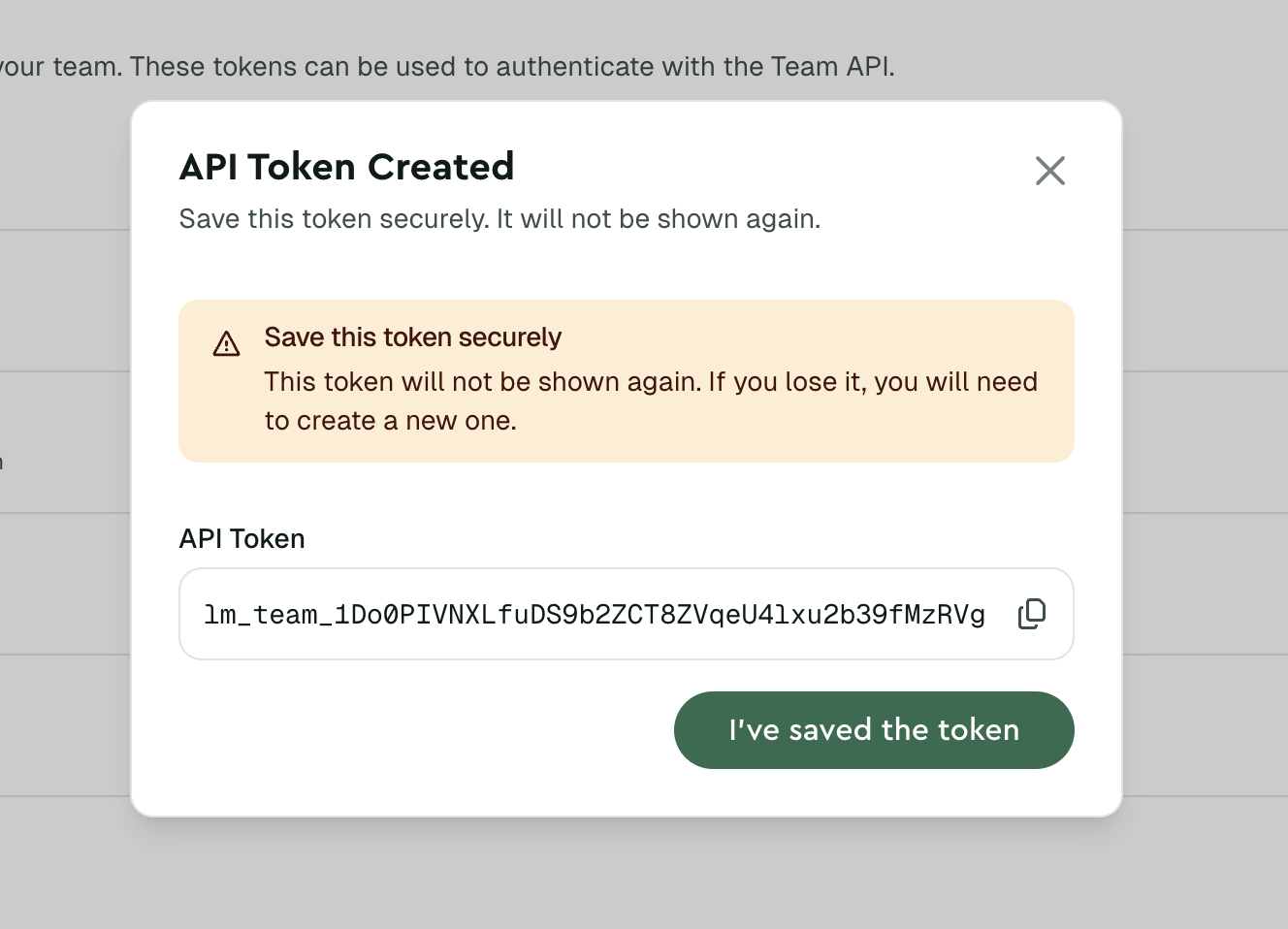
Quickstart local. - Copy the value and store it as
LETTERMINT_PROJECT_TOKEN.
Your Project API token can send email for its project. Never expose it in client-side code, public repositories, or logs. Store it securely as an environment variable.
Step 2: send your first email
Choose your preferred method:
Install the package for your language before you run an SDK example. See Integrations for package links and version requirements.
About the onboarding sender
onboarding@lettermint.dev is a shared sender for your first HTTP API requests. The mailbox is fixed. You can set its display name, such as Your App, but you cannot change the mailbox.
You can send these messages to email-verified members of your current team. You can also send to one of the documented @lettermint.dev test addresses. Lettermint rejects the complete request with HTTP 422 when a To, CC, BCC, or Reply-To address is not permitted. One message can have no more than 10 unique recipients.
The shared sender works only with the single, batch, and scheduled HTTP APIs. SMTP does not accept it. The sender remains available after you verify a customer domain. All normal team quota, rate limit, billing, reputation, and pool rules apply.
Expected response
A successful request returns a 202 Accepted response:
Code
Use a verified sending domain when you are ready to send to customers. Change only the from value. The rest of the request can stay the same.
Step 3: check your emails
Go to the Emails overview in your dashboard to see your email's delivery status.
Next steps
Integrations
Choose an official SDK, framework, or platform integration.
API reference
Review Sending API endpoints and schemas.
Webhooks
Receive delivery events through webhooks.
Domain verification
Add the DNS records required for authenticated sending.
Going further
Add these features when your application needs them:
- Idempotency. Prevent duplicate sends with idempotency keys.
- Tags. Organize and filter email with custom tags.
- HTML content. Send HTML and plain-text content together.
- Tracking. Record supported opens and clicks.