

Team API
Use the Team API to manage domains, projects, routes, webhooks, suppressions, messages, and team settings from your application.
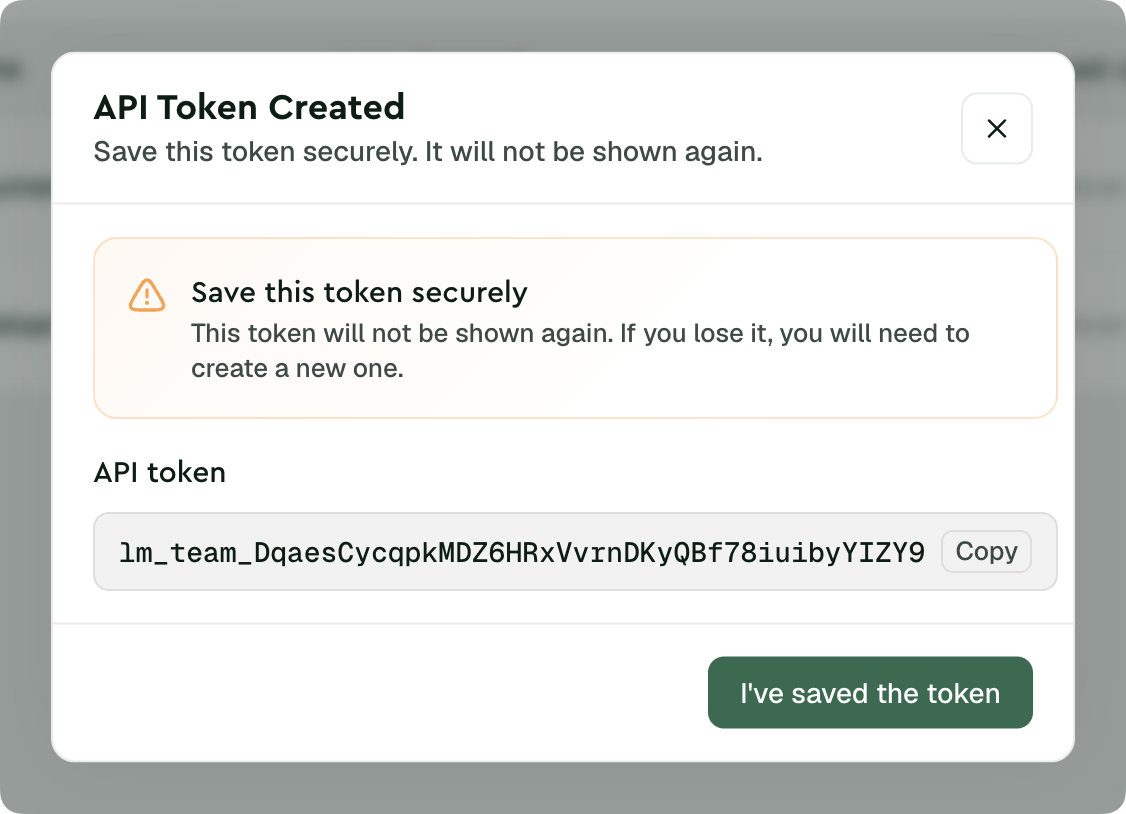
Team API tokens are different from Project API tokens. Project API tokens (format: lm_xxx...) are used for sending email and SMTP authentication. Team API tokens (format: lm_team_...) manage team resources and authenticate with Authorization: Bearer ....
For information on creating and managing Team API tokens through the dashboard, see the Team API tokens guide.
Prerequisites
Before you start, ensure you have:
- A Team API token with appropriate abilities (see Team API tokens)
- If you create the token yourself, a role with the required Team API token management permission
- An official SDK or cURL
Authentication
Team API tokens authenticate requests to the Lettermint API using the Bearer authentication scheme. Each token has a unique format beginning with lm_team_ followed by 40 random characters.
Include your token in the Authorization header of every request:
Never commit tokens to version control or expose them in client-side code. Store tokens securely in environment variables or a secrets manager.
Next steps
- Quickstart - Make your first Team API requests
- Team API tokens - Create and manage tokens with the right abilities
- API Reference - Explore all Team API endpoints