

Tags
Tags are small, reusable message attributes. Use them to group and filter messages by stable dimensions such as a campaign, an environment, or a test variant.
Code
Do not put secrets or personal data in tags. Do not use tags for message IDs, user IDs, order IDs, or other values that are usually unique. Put these values in metadata.
Tags, singular tag, and metadata
| Field | Use | Limits | Filter behavior |
|---|---|---|---|
tags | Small, reusable filter dimensions | Up to 20 name and value pairs, including a singular tag | Exact, case-sensitive match on each pair |
tag | Existing singular message category | One value, up to 255 characters | Exact legacy filter, including _none |
metadata | Internal IDs and other message context | Existing metadata limits apply | Not part of the tag filter |
The tag field is the existing singular tag. It has no deprecation date. You can use tag and tags in the same request.
Lettermint returns the singular tag in two forms:
tagcontains the existing singular value.tagscontains the same value with the reserved name__lettermint_tag.
The projection gives each message one complete tag list. The singular tag still uses its existing validation rules. It can contain spaces, and an existing value can be longer than 64 characters.
Send tags with the API
Send only structured tags:
Send only the singular tag:
Code
Send both forms:
Code
You can omit tags or send an empty array.
Validation rules
| Rule | Name | Value |
|---|---|---|
| Length | 1 to 32 characters | 1 to 64 characters |
| Allowed characters | ASCII letters, digits, _, and - | ASCII letters, digits, _, and - |
| Pattern | ^[A-Za-z0-9_-]{1,32}$ | ^[A-Za-z0-9_-]{1,64}$ |
The following rules also apply:
- A message can have no more than 20 canonical tags.
- A singular
taguses one place in this total. A request withtagcan have no more than 19 new pairs. - Each name must be unique in one message.
- Names and values are case-sensitive.
Campaignandcampaignare different names. - Lettermint preserves the case that you send.
- A customer name must not start with
__lettermint, in any letter case. - Lettermint does not trim, change, or silently remove input.
We recommend lowercase names. This makes filters easier to reuse.
Examples
| Input | Result | Reason |
|---|---|---|
campaign=welcome-v2 | Valid | The name and value use permitted characters. |
Campaign=Welcome_2 | Valid | Uppercase letters are permitted and preserved. |
variant=B | Valid | A one-character value is permitted. |
campaign=welcome email | Invalid | A structured value cannot contain a space. |
campaign.name=welcome | Invalid | A name cannot contain a period. |
campaign=welcome/v2 | Invalid | A value cannot contain a slash. |
__lettermint_source=api | Invalid | The name uses the reserved prefix. |
Two campaign names | Invalid | Names must be unique in one message. |
Response and webhook shape
Message lists, message details, message events, and webhooks contain both fields:
Code
Lettermint puts __lettermint_tag first. It then sorts the other items by their case-sensitive name. The tag field gets its value only from the existing singular tag.
The tags field is an additive webhook change. If your webhook code rejects unknown fields, update its data transfer objects before you enable structured tags. For full payloads, see Webhook events.
Filter messages
The API uses an exact name and value match. Add more numbered pairs to match all pairs:
Code
The order and numeric indexes do not change the result. Every complete pair must match the same message. The match is case-sensitive.
You can combine a structured filter with the existing singular filter:
Code
Use _none to find messages that have no singular tag. A message can still have structured tags:
Code
You can send no more than 20 filter pairs. An incomplete pair is invalid. OR filters are not supported.
Filter in the dashboard
Open the message filter and select Tags.
- Select or enter a tag name.
- Select or enter an exact value.
- Select Add filter.
- Add other conditions if you need them.
- Select Apply.
The dashboard matches all tag conditions. Select Legacy tag to use the existing singular tag filter. Its values include No legacy tag.
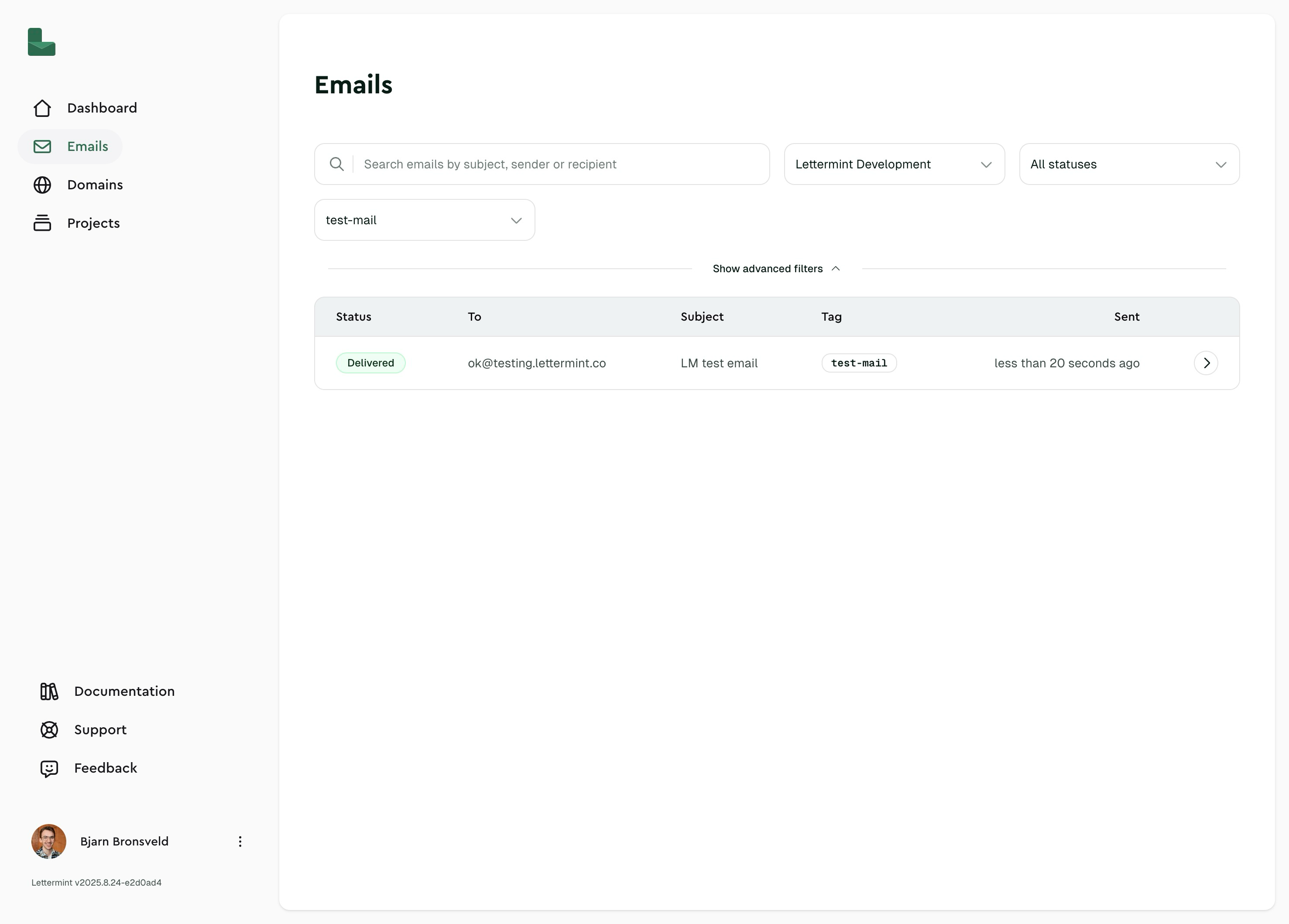
You can type an exact name or value when a suggestion does not exist. If suggestions are temporarily not available, exact entry continues to work.
Send tags with SMTP
Use X-LM-Tag for the singular tag. Use X-LM-Tags for structured name and value pairs:
Code
You can repeat X-LM-Tags. See Send email with SMTP for the complete syntax and limits.
Migrate from the singular tag
You do not have to migrate the singular field. It has no deprecation date.
Use this sequence when you want more filter dimensions:
- Keep sending
tagso existing filters and integrations continue to work. - Add stable pairs in
tags, such ascampaign=welcomeandenvironment=production. - Update webhook data types so they permit the additive
tagsfield. - Add structured dashboard or API filters where you need exact pair matching.
- Move unique IDs and other high-volume values to metadata.
Do not copy existing metadata to tags without a clear reusable filter use. Lettermint continues to return and filter the singular tag after you add structured tags.
Limits
- Tags cannot be changed after Lettermint accepts the message.
- Lettermint can remove unused singular tag suggestions after message cleanup.
- Tags do not create a tag management screen, routing rule, billing dimension, or aggregate analytics dimension.