

TLS
Transport Layer Security (TLS) encrypts an email while it travels between mail servers. Lettermint lets you choose whether TLS is preferred or required for outbound delivery on each transactional and broadcast route.
This policy controls the connection from Lettermint to the recipient's mail server. It does not change how your application connects to the Lettermint API or SMTP relay, and it does not provide end-to-end encryption after the receiving server accepts the email.
TLS policies
| Policy | Delivery behavior | Tradeoff |
|---|---|---|
| Opportunistic | Lettermint attempts TLS and can deliver without it when the receiving server does not support TLS. | Best compatibility and the default for new and existing routes. |
| Enforced | Lettermint requires a successful TLS connection and never falls back to unencrypted delivery. | Stronger transport requirements, but delivery fails when the receiving server cannot satisfy them. |
Use Opportunistic when reaching as many valid recipient servers as possible is the priority. Use Enforced when a message must not be delivered without transport encryption, such as account-security or other sensitive transactional email.
Enforced TLS can reduce deliverability to mail servers with missing or invalid TLS support. Choose it only when failing the delivery is preferable to sending without TLS.
Configuration and precedence
The TLS policy can be configured at the route level and overridden for an individual email. Lettermint resolves the policy in this order:
- A per-email Sending API setting or SMTP header
- The selected transactional or broadcast route's TLS setting
- Opportunistic when neither is configured
A per-email opportunistic override can therefore allow unencrypted fallback for one email sent through an enforced route. Likewise, enforced can protect one email without changing an opportunistic route.
Dashboard
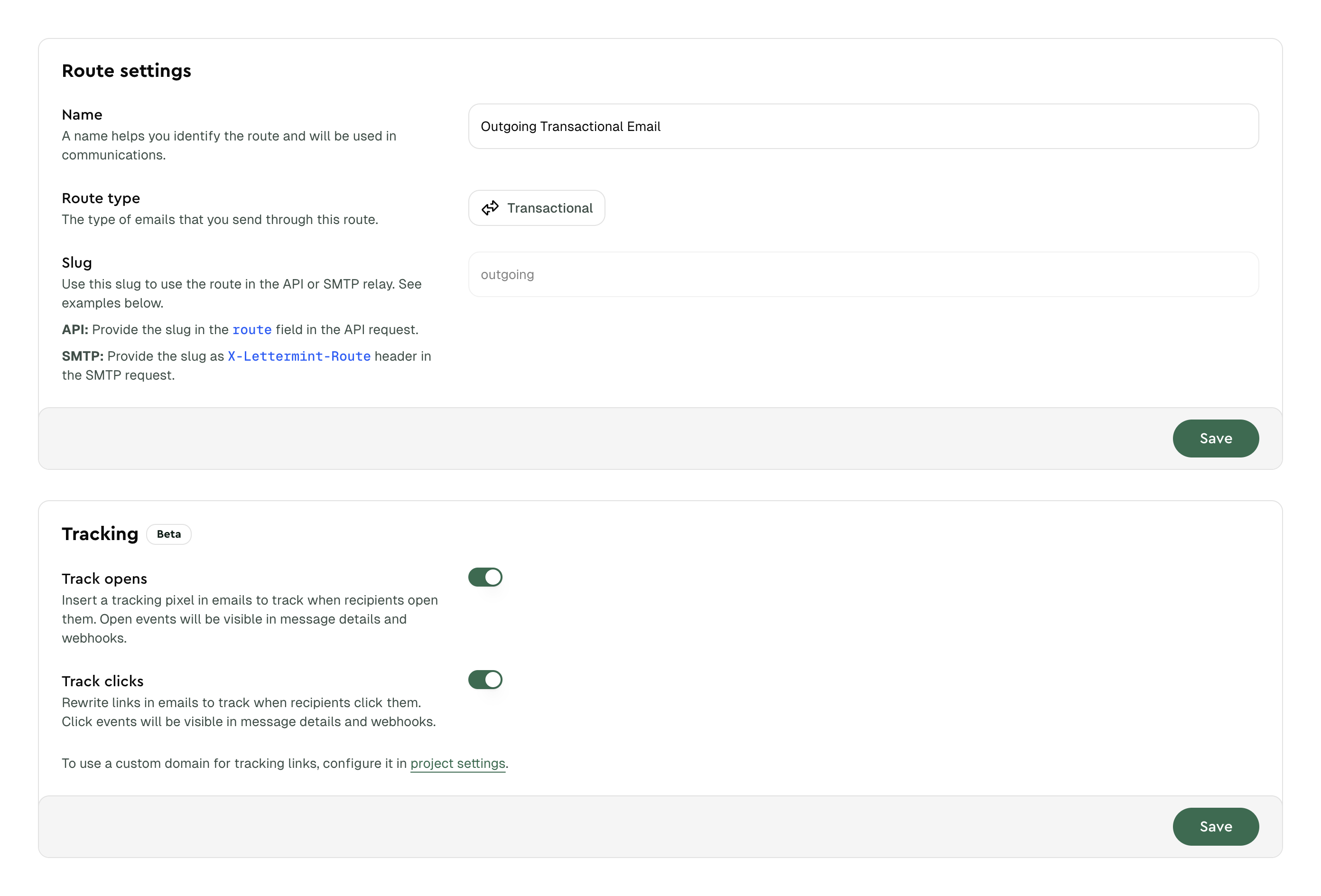
- Open your project and go to Routes
- Select a transactional or broadcast route
- Open Settings and choose Opportunistic or Enforced under TLS
- Save your changes
Inbound routes do not have an outbound TLS policy because they receive rather than deliver email.
Team API
Update the default policy for a route through the Team API:
Set settings.tls to opportunistic to restore unencrypted fallback for the route.
Sending API
Use settings.tls to override the selected route for one email:
Code
For batch sends, each item has its own policy:
Code
Omit settings.tls to use the route policy.
SMTP
Add X-LM-Override-TLS to override the selected route for one SMTP message:
Code
The accepted values are enforced and opportunistic, case-insensitively. Surrounding whitespace is ignored. Lettermint rejects invalid values or duplicate X-LM-Override-TLS fields and removes the control header before delivery.
Failures and retries
When Enforced is active, Lettermint fails the delivery if the recipient's mail server cannot establish an acceptable TLS session. This includes cases such as not offering STARTTLS, permanently rejecting it, or presenting an invalid or incompatible TLS configuration. Lettermint does not retry these deterministic policy failures without TLS.
A terminal enforced-TLS failure emits a message.failed webhook with:
response.status_codeset to550reason_codeset toenforced_tls_failedreasoncontaining a human-readable description of the TLS failure
Code
Temporary network, connection, or TLS errors continue through the normal retry process and can emit message.soft_bounced events. They become final failures only if the usual delivery retry window expires.
Troubleshooting
If an enforced delivery fails:
- Open the message in Email Activity and review its delivery events
- Check
reason_codein yourmessage.failedwebhook handler - Confirm that the recipient domain's mail servers currently offer a valid TLS connection
- If unencrypted fallback is acceptable for that message, resend with an
opportunisticoverride or change the route policy
Do not automatically resend sensitive email with a weaker policy unless that behavior is explicitly allowed by your security requirements.