

Inbound mail
Use Inbound Mail to receive email in your application. Lettermint parses each message and sends a structured webhook event to your endpoint.
Common uses include replies, support requests, and workflows that start with an email.
Inbound Mail is available on the Starter plan and higher. Every inbound route has its own receiving domain, so you can test the complete flow without changing DNS.
Receive your first email
Create an inbound route
- In the dashboard, select Projects.
- Select your project and open Routes.
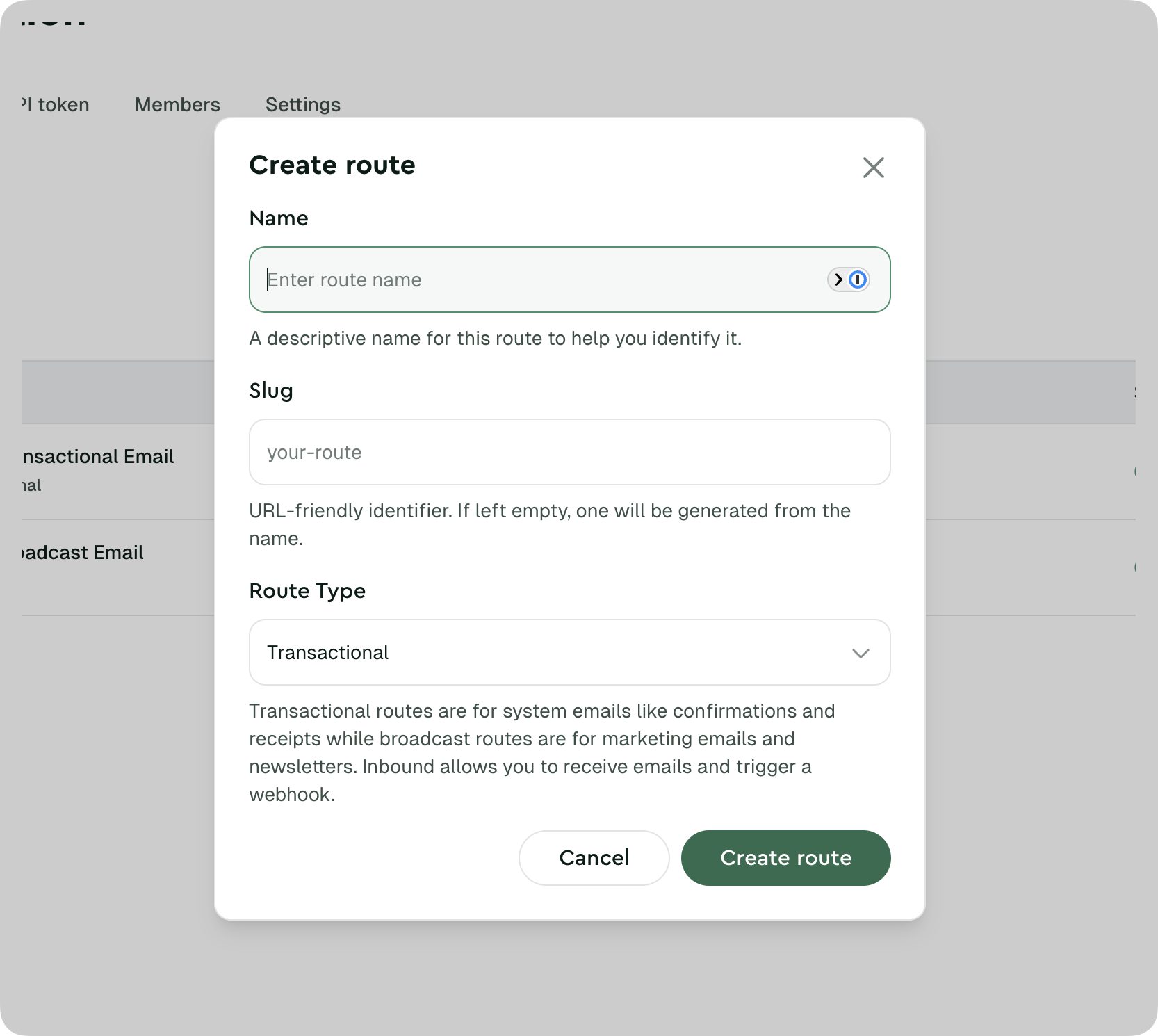
- Select Create route.
- Enter a name and select Inbound as the route type.
Create its webhook
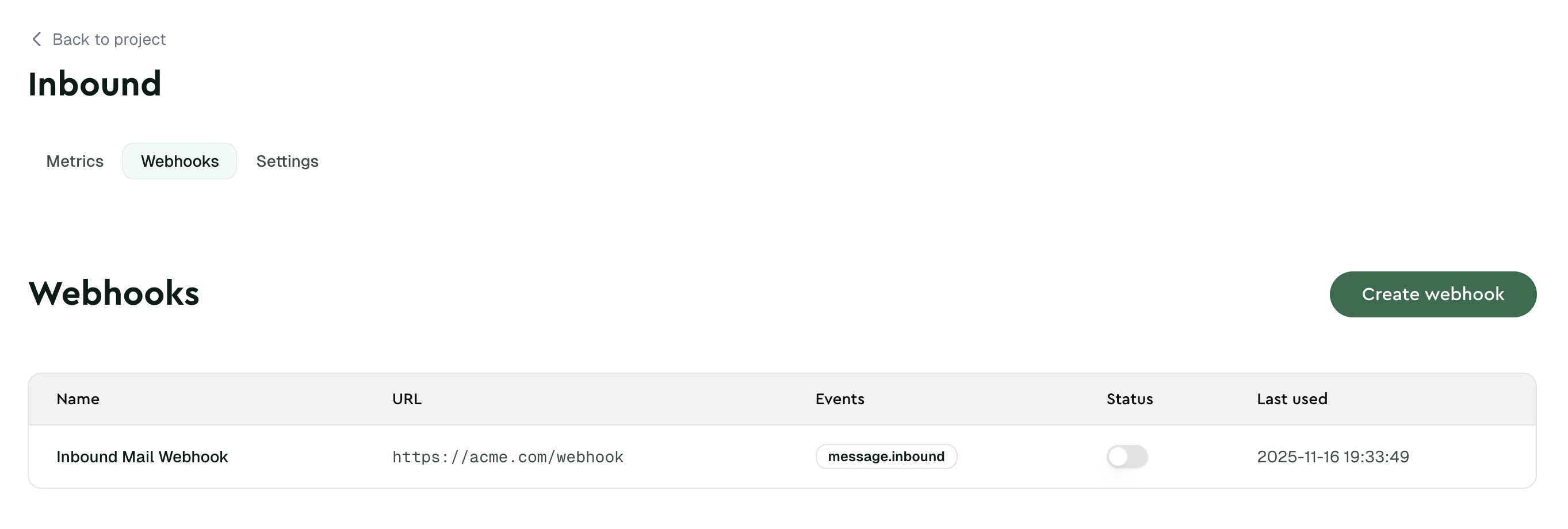
- Open the route and select Webhooks.
- Select Create webhook.
- Enter your endpoint URL and save the webhook.
Inbound route webhooks subscribe to message.inbound and inbound.rejected automatically. You do not need to select an event.
Copy the receiving address
Open Settings. Under Inbound address, type a name in front of the route domain, such as support. Copy the address, for example support@k7x2m9qpfa.lettermint.app.
The route domain is unique to the route. You can use it immediately. See Choose a receiving address for how it works.
Send a real test email
Send an email to the address you copied from another mailbox. Lettermint sends a signed message.inbound event to your endpoint if the message is below the route spam threshold. Messages at or above the threshold stay quarantined until an authorized user processes them.
Open the webhook delivery log. Check the request and response.
Your endpoint must verify the signature and save or queue the event. It must then return a 2xx response.
If Lettermint has to refuse a message for your route, for example because it is larger than 25 MB, your endpoint receives inbound.rejected instead.
Choose a receiving address
| Choose | Use it when |
|---|---|
| Route domain | Default choice. Test immediately without DNS and receive mail for any name. |
| Compatibility address | You already use the generated @inbound.lettermint.co address. It keeps working. |
| Custom domain | Receive mail on your own domain. You must add an MX record first. |
Route domain
Every inbound route has a route domain in the form <route-id>.lettermint.app, for example k7x2m9qpfa.lettermint.app. The route ID is a random 10-character identifier of lowercase letters and digits. Lettermint generates it when you create the route and it never changes.
The route domain is a catch-all. Mail to any name at that domain reaches the route, such as support@k7x2m9qpfa.lettermint.app or invoices@k7x2m9qpfa.lettermint.app. You choose the name when you share the address. Lettermint does not store or validate it, so you can use a different name for each place you share an address. Matching is case-insensitive.
Plus addressing works. For a message sent to support+order-4821@k7x2m9qpfa.lettermint.app, the webhook payload has subaddress set to order-4821. See Route recipients with plus addressing.
The Inbound address field only helps you compose an address to copy. Lettermint saves nothing when you type a name.
Compatibility address
The compatibility address is the route UUID without hyphens before @inbound.lettermint.co. To copy it, open the route Settings page and select Show legacy inbound address under Inbound address. It keeps working for the same route, so you don't need to change anything if you already use it.
The compatibility address must match exactly and does not support plus addressing. Use the route domain for new setups.
Custom domain
Use a custom domain to receive mail on a domain you control. If you need addresses on your domain, configure a custom domain. You can't use Lettermint domains (lettermint.app and its subdomains, lettermint.mx, and inbound.lettermint.co) as a custom inbound domain.
To create routes and webhooks with the Team API, use the generated Project endpoints and Webhook endpoints.
Next steps
Use a custom domain
Receive mail for an exact domain or a wildcard subdomain.
Process inbound email
Verify webhook signatures and handle message fields safely.
Handle attachments
Choose inline content or temporary signed download URLs.
Tune spam filtering
Set a threshold and interpret spam and authentication results.