# Introduction
## Overview
The Team API allows you to programmatically manage your Lettermint team resources including domains, projects, routes, webhooks, suppressions, messages, and team settings. Using Team API tokens with granular permissions, you can automate team operations and integrate Lettermint into your infrastructure.
:::info
Team API tokens are different from project tokens. Project tokens (format: `lm_xxx...`) are used only for sending email and authenticate with `x-lettermint-token`. Team tokens (format: `lm_team_...`) manage team resources and authenticate with `Authorization: Bearer ...`.
:::
For information on creating and managing Team API tokens through the dashboard, see the [Team API tokens](/platform/teams/api-tokens) guide.
## Prerequisites
Before you start, ensure you have:
- A Lettermint account with the **team owner** role
- A Team API token with appropriate abilities (see [Team API tokens](/platform/teams/api-tokens))
- Basic familiarity with REST APIs and JSON
- cURL or an HTTP client installed
## Authentication
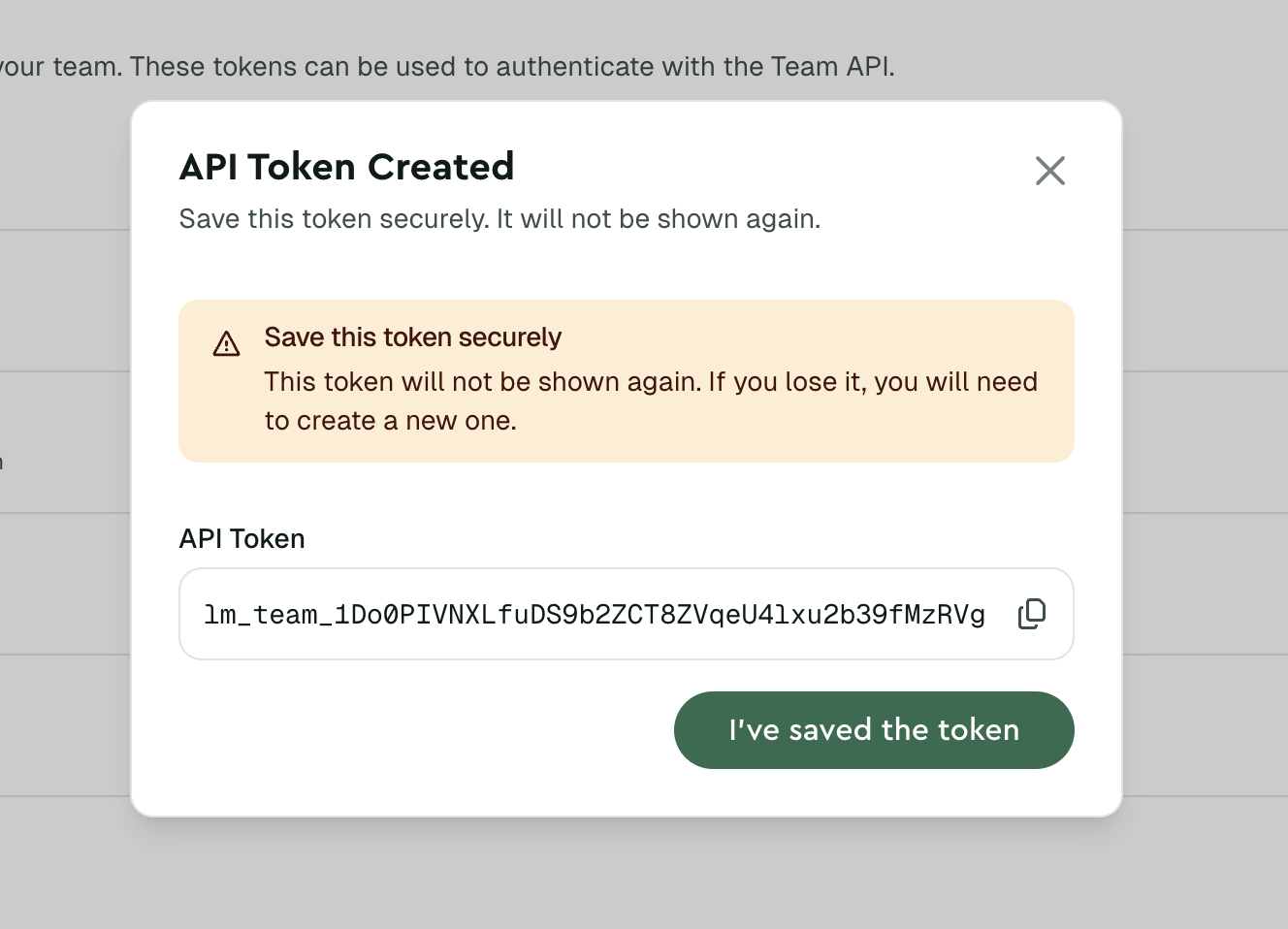
Team API tokens authenticate requests to the Lettermint API using the Bearer authentication scheme. Each token has a unique format beginning with `lm_team_` followed by 40 random characters.
Include your token in the `Authorization` header of every request:
```bash title="cURL"
curl -X GET "https://api.lettermint.co/v1/team" \
-H "Accept: application/json" \
-H "Authorization: Bearer $LETTERMINT_TEAM_TOKEN"
```
```typescript title="Node.js"
import { Lettermint } from "lettermint";
const api = Lettermint.api(process.env.LETTERMINT_TEAM_TOKEN!);
const team = await api.team.retrieve();
```
```php title="PHP"
team->retrieve();
```
 :::warning
Never commit tokens to version control or expose them in client-side code. Store tokens securely in environment variables or a secrets manager.
:::
## Next Steps
- **[Quickstart](/platform/teams/team-api/quickstart)** - Make your first Team API requests
- **[API Tokens](/platform/teams/api-tokens)** - Create and manage tokens with the right abilities
- **[API Reference](/api-reference)** - Explore all available endpoints
:::warning
Never commit tokens to version control or expose them in client-side code. Store tokens securely in environment variables or a secrets manager.
:::
## Next Steps
- **[Quickstart](/platform/teams/team-api/quickstart)** - Make your first Team API requests
- **[API Tokens](/platform/teams/api-tokens)** - Create and manage tokens with the right abilities
- **[API Reference](/api-reference)** - Explore all available endpoints