# Introduction
## The Team → Project → Route Hierarchy
Lettermint organizes your email infrastructure in a three-level hierarchy:
```
Team (Organization)
└── Project 1 (Production)
│ ├── API Token: lm_abc123...
│ ├── Route: Transactional
│ ├── Route: Newsletter (Broadcast)
│ └── Route: Support Inbox (Inbound)
└── Project 2 (Staging)
├── API Token: lm_def456...
└── Routes...
```
- **Teams** are your organization—billing, reputation scoring, and team members live here
- **Projects** are isolated API endpoints with unique tokens—think of them as environments or apps
- **Routes** define how emails are processed—transactional, broadcast, or inbound
## Why This Structure?
### Projects Provide Isolation
Each project has its own:
- **API token** — Separate credentials for production vs staging, or different applications
- **Message history** — Analytics isolated per project
- **Domain associations** — Control which domains can send from each project
- **Team member access** — Restrict who can view or manage specific projects
**When to create multiple projects:**
- Separate environments (production, staging, development)
- Different applications that shouldn't share credentials
- Isolating analytics and message history
### Routes Define Email Behavior
Routes within a project handle different types of email traffic:
Critical one-to-one emails triggered by user actions
One-to-many campaigns with unsubscribe handling
Receive and process incoming emails via webhooks
**When to create multiple routes:**
- Separate transactional from marketing emails (required for deliverability)
- Different webhook endpoints for different email types
- Separate suppression list management
:::info
When you create a new project, Lettermint automatically creates a transactional route called "outgoing" and sets it as the default. You can add more routes as needed.
:::
See [Routes](/platform/projects-and-routes/routes) for detailed configuration options.
## Finding Your API Token
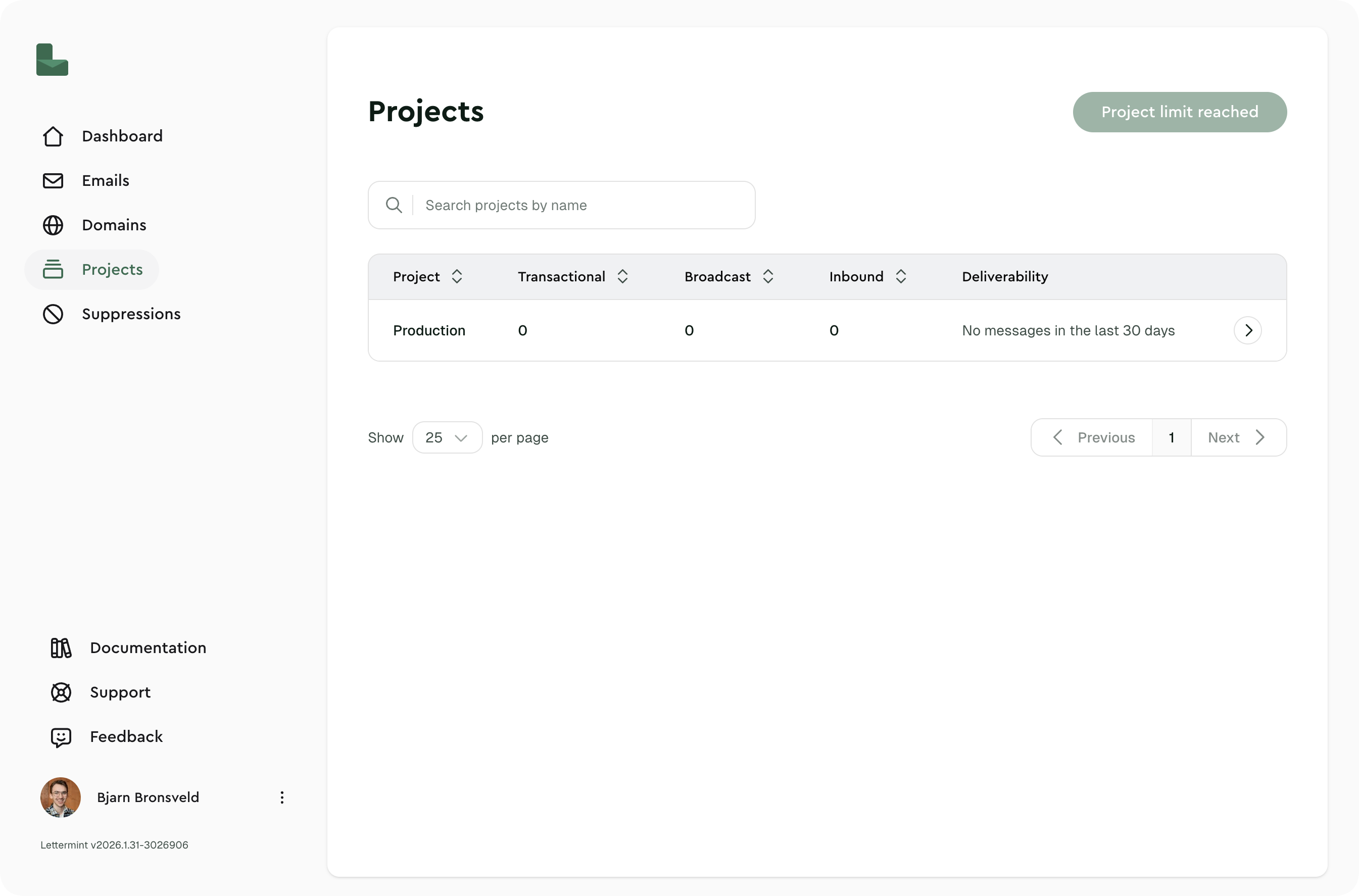
### Navigate to Projects
Open your team dashboard and click **Projects** in the sidebar.
### Select your project
Click on the project you want to use.
### Copy the API Token
Go to the **API Token** section and copy your token (starts with `lm_`).
 :::warning
Keep your API tokens secure. Never commit them to version control or expose them in client-side code.
:::
## Access Control
Control which team members can access specific projects:
| Role | Access |
|------|--------|
| Team Owner | All projects automatically |
| Team Member | Only projects explicitly granted |
| No restrictions set | All members can access |
## Next Steps
- [**Routes**](/platform/projects-and-routes/routes) — Configure route types and settings
- [**Inbound Mail**](/platform/projects-and-routes/inbound-mail) — Receive emails with webhooks
- [**Webhooks**](/platform/webhooks/introduction) — Get real-time delivery notifications
:::warning
Keep your API tokens secure. Never commit them to version control or expose them in client-side code.
:::
## Access Control
Control which team members can access specific projects:
| Role | Access |
|------|--------|
| Team Owner | All projects automatically |
| Team Member | Only projects explicitly granted |
| No restrictions set | All members can access |
## Next Steps
- [**Routes**](/platform/projects-and-routes/routes) — Configure route types and settings
- [**Inbound Mail**](/platform/projects-and-routes/inbound-mail) — Receive emails with webhooks
- [**Webhooks**](/platform/webhooks/introduction) — Get real-time delivery notifications